
Part 3: GDScript Scripting Fundamentals in Godot 4
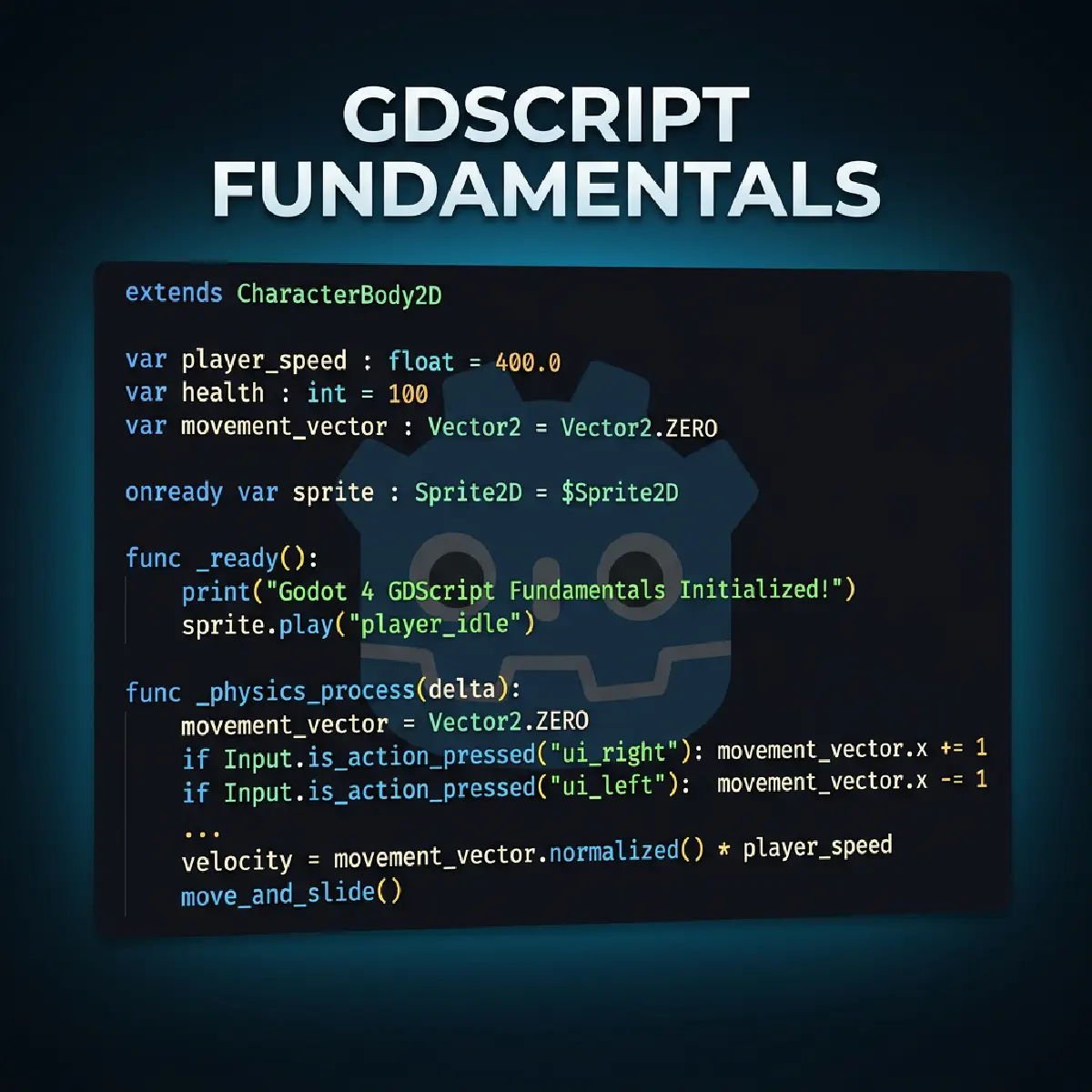

Welcome back! In Part 2, we built our first scene and added a Sprite2D. We even made it move with a tiny script. But if you looked at that code and thought, “I have absolutely no idea why any of that worked”—this part is for you.
Reserved for AdSense Revenue
We’re going to slow down, zoom in, and really understand the language that powers Godot: GDScript.
Why GDScript?
This is a fair question. Godot supports multiple languages, including C# and C++. So why learn a custom one?
Here’s the honest answer: GDScript was designed to be the fastest path from an idea in your head to something moving on screen. It reads almost like plain English. There’s no need to wait for long “compilation” times, and no scary technical walls to climb.
Once you understand the logic here, picking up other languages later becomes a walk in the park.
Pro-Tip: GDScript is “dynamically typed” by default, meaning you don’t have to tell Godot that a number is a number. However, as you get better, you can add “type hints” like
var speed: int = 400to help the editor catch your mistakes before you even run the game!
Variables: Giving Names to Data
A variable is just a named box that holds a value. In Godot, we declare them using the var keyword.
| |
player_nameholds text (a String).healthholds a whole number (an Integer).speedholds a decimal (a Float).is_aliveholds a true/false (a Boolean).
Functions: Packaging Actions
A function is a named block of code that you can run whenever you need it. Godot has special “Lifecycle” functions that run automatically.
_ready() — The Constructor
This runs once, the moment your node “wakes up” in the game. It’s perfect for setting things up.
_process(delta) — The Heartbeat
As we saw in Part 2, this runs every single frame. If your game is running at 60fps, this code runs 60 times a second.
Note: Remember that
deltamakes your game run at the same speed regardless of how fast the player’s computer is. Always multiply your movement bydelta!
Signals: The Godot Way of Communicating
This is the concept that trips up most beginners, but it’s the most powerful idea in Godot.
Imagine you have a TV Remote (a Button) and a TV (your Character).
- The Wrong Way: The Button reaches out and physically grabs the TV to turn it on. If you replace the TV with a Radio, the Button breaks because it’s still looking for a TV.
- The Signal Way: The Button just shouts “I WAS PRESSED!” into the room. It doesn’t care who is listening. The TV “listens” for that shout and turns itself on.
This is called Signals. It allows different parts of your game to talk to each other without being “glued” together.
| |
Putting It All Together: A Mini Game Loop
Let’s build a simple “Click to Heal” system. Create a scene with a Label (named HealthLabel) and a Button (named HealButton).
Attach this script to your root node:
| |
Key Takeaways
- Variables store data; Functions perform actions.
- _ready runs once; _process runs every frame.
- Signals allow nodes to talk without being “glued” together.
- Indentation (Tabs) is how Godot knows which code belongs to which function.
In Part 4: Player Movement, we’ll apply all of this to build a real, jumping, gravity-defying player controller!
Reserved for AdSense Revenue
Join the Veigatec Dev Loop
Get the latest Godot, Flutter, and Web Development engineering insights delivered straight to your inbox. No fluff, just code.
We respect your privacy. Unsubscribe at any time.