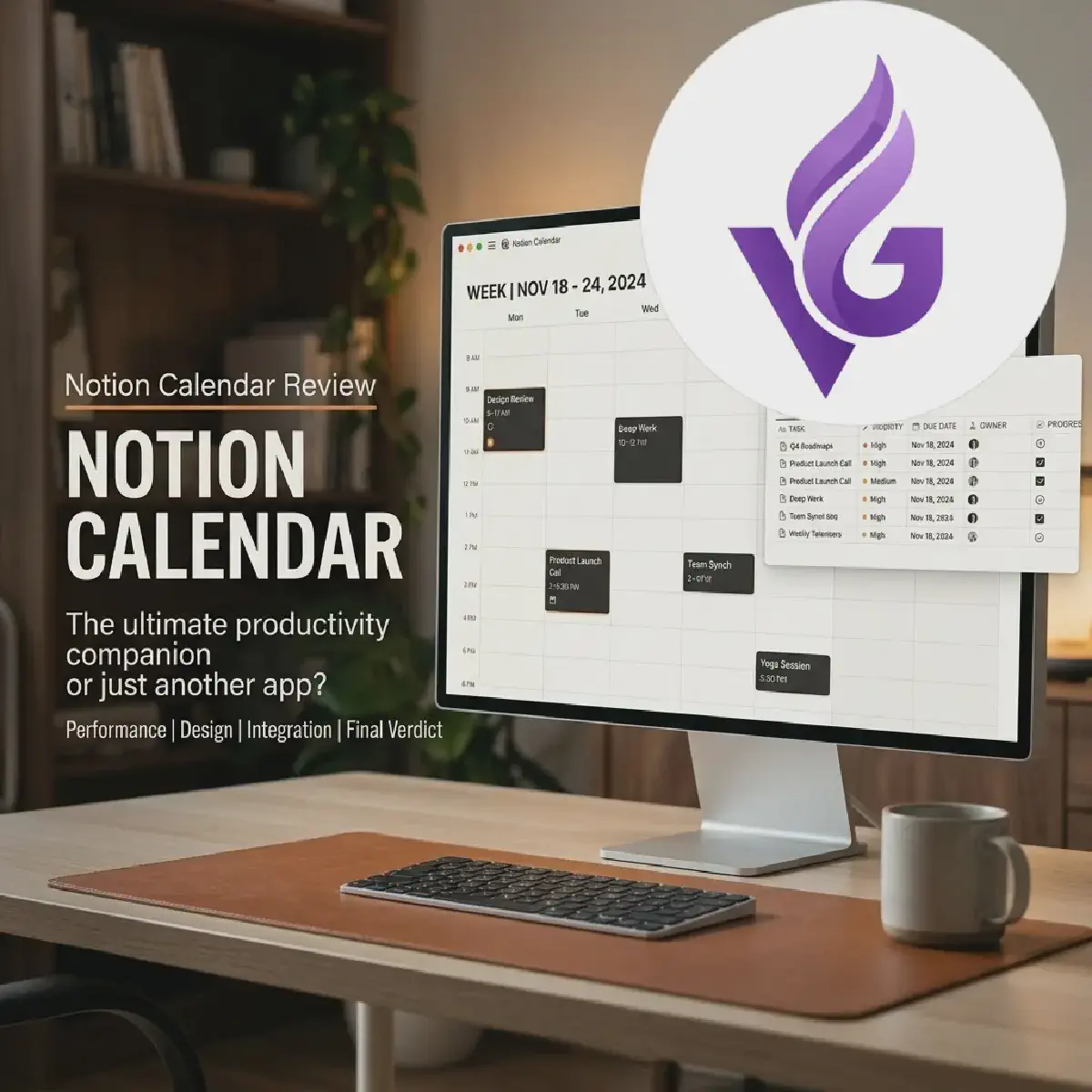

If your digital life is anything like mine, it’s a sprawling, disorganized construction site. We have our blueprints in one corner (our Notion databases), our materials scattered in another (Google Calendar), and a foreman who is perpetually five minutes late to everything (me).
Scheduling isn’t just about knowing what time it is; it’s about managing the cognitive load of switching between “planning” and “doing.” Following their acquisition of the beloved Cron, Notion released Notion Calendar. We’ve spent some time living inside it, and it feels less like a new tool and more like someone finally finished the wiring in our digital house.
THE WIRING: CONNECTING THE DOTS
The most impressive part of Notion Calendar isn’t the calendar itself, it’s the pipes. In the old world, if you wanted to see your project deadlines alongside your actual meetings, you had to perform a manual, error-prone synchronization dance. You’d copy a date from a Notion table and paste it into a Google Calendar event like a digital stone-carver.
With Notion Calendar, those pipes are built-in. If you have a database in Notion with a “Date” property, say, a list of software sprints or blog post deadlines, you can simply “Expose” that database. Suddenly, your project milestones appear directly on your calendar grid.
Note: This isn’t just a visual overlay. It’s a two-way street. If you drag a task on your calendar from Tuesday to Wednesday, the “Date” property in your actual Notion database updates automatically. It’s the closest thing we’ve seen to a “Unified Theory of Everything” for productivity.
THE SPEED OF CRAFT
Most enterprise software feels like wading through digital molasses. You click a button, wait for a spinner, and eventually, something happens. Notion Calendar inherits the DNA of its predecessor, Cron, which means it’s built for the “keyboard-first” engineer.
We particularly love the Command Palette (Cmd/Ctrl + K). It lets you jump between days, toggle views, or search for events without ever touching the mouse. If you’ve ever used Vim or VS Code’s command palette, you’ll feel right at home. It’s snappy, responsive, and frankly, quite delightful.
THE SOCIAL LUBRICANT: SCHEDULING SNIPPETS
One of the most friction-filled parts of being a developer is the “scheduling dance.” You know the one: “Does 2 PM work for you?” “No, how about 4 PM?” “Wait, which timezone?”
Notion Calendar solves this with Scheduling Snippets. By pressing S, you can literally paint available slots on your calendar. Notion then generates a friendly text snippet like, “Would any of these times work for you? Thursday at 3 PM…” that you can fire off in an email or Slack message.
Pro-Tip: You can even include a custom booking link. When the recipient clicks a time, it’s added to both your calendars instantly. It’s like having a personal assistant who actually understands your timezone constraints.
THE ROUGH EDGES
No piece of software is perfect, and Notion Calendar is no exception. While the desktop experience is a masterclass in UI design, the mobile app still feels a bit like a “work in progress.” It’s perfectly functional for checking your next meeting, but it lacks the fluid, snappy feel of its desktop sibling, especially when trying to manage large, complex Notion databases on the go.
There is also the matter of Ecosystem Lock-in. If you aren’t already living in Notion for your project management, a significant chunk of this app’s soul is missing. It works as a standalone Google Calendar client, but without the database integration, it’s just a very pretty, very fast calendar.
THE VERDICT
Notion Calendar isn’t trying to replace your brain; it’s trying to reduce the friction of using it. For engineers who already use Notion as their “second brain,” the ability to see a GitHub issue’s deadline sitting right next to a sprint planning meeting is a game-changer.
It’s a tool built by people who clearly care about the craft of software. It’s fast, it’s elegant, and it actually makes scheduling feel… well, not like a chore.
Final Score: 8.8 / 10
KEY TAKEAWAYS
- Unified Logic: Seamlessly bridges the gap between project management (Notion) and scheduling (Calendar).
- Keyboard Mastery: Built for speed with a powerful command palette and robust shortcuts.
- Bi-directional Sync: Changes on the calendar reflected immediately in Notion databases.
- Mobile Gap: The desktop app is superior; mobile still needs some engineering love.